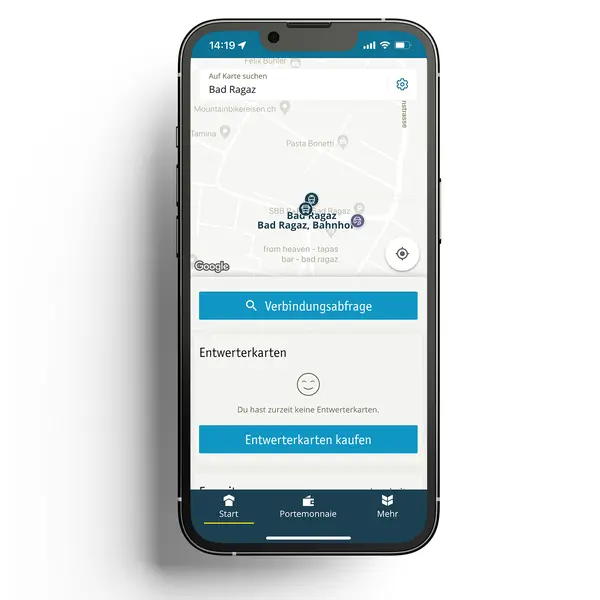
1/6 Select «Verbindungsabfrage» (connection request) on the start screen.
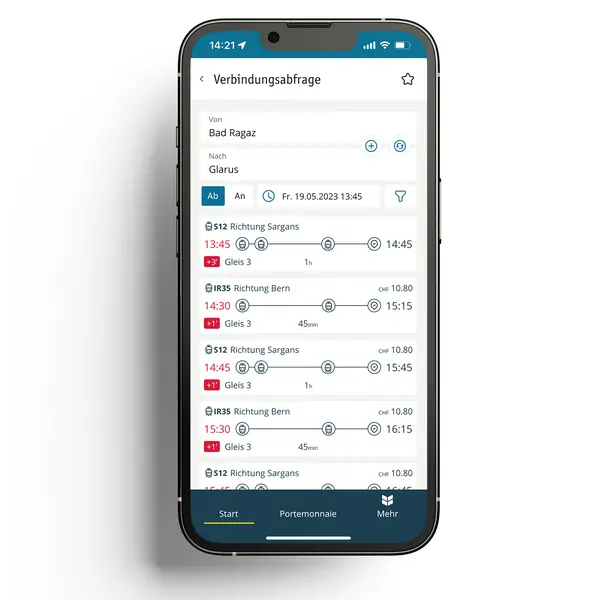
2/6 Enter your starting point and destination and select the desired arrival or departure time for the travel date.
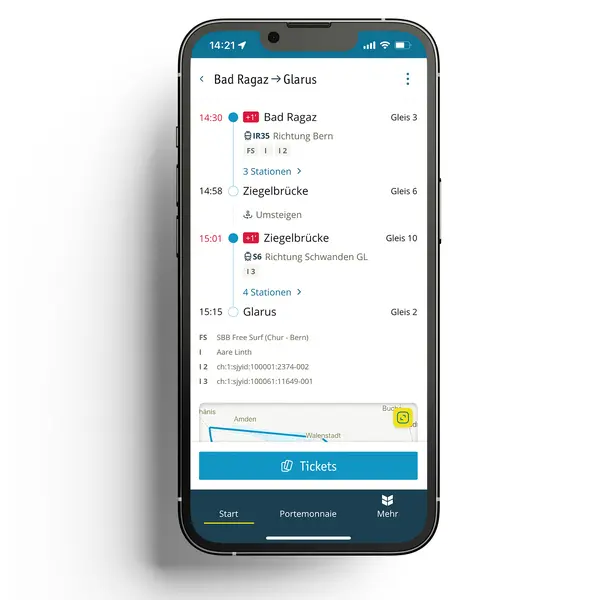
3/6 You can see all possible connections at the time of travel in the overview. The travel time and the necessary transfers are displayed in the overview. Click on your best connection.
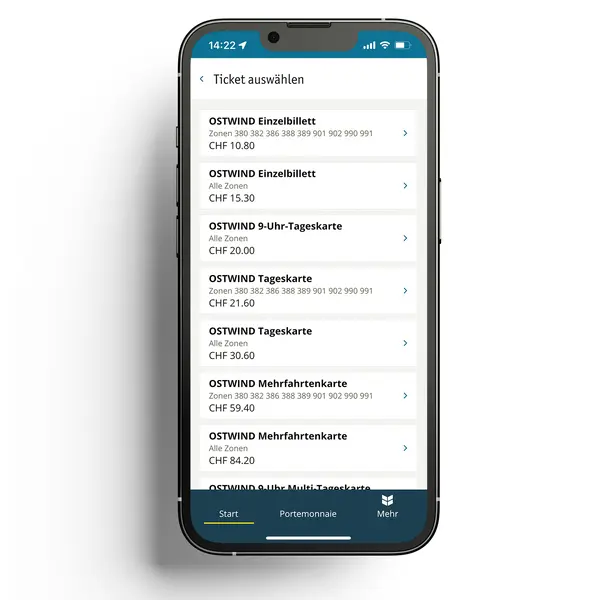
4/6 Once you have selected your connection, click on the «Tickets» button in the detailed view of the connection.
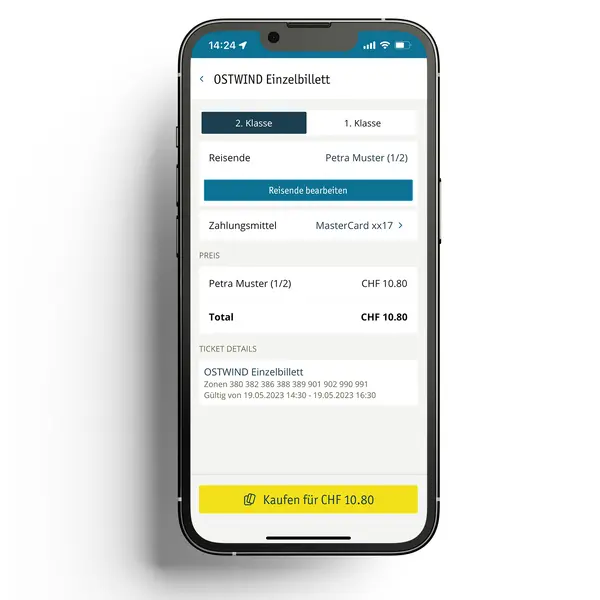
5/6 In the next overview, you have the option of selecting your transport class or purchasing a ticket for another traveler «Reisende bearbeiten» (Edit travelers). If no means of payment is stored in the profile, you can select this manually. Before purchasing, check under «Ticket details» whether the date and ticket type correspond to your choice.
6/6 To buy the ticket, press the «Kaufen für CHF xx.xx» button. Your ticket is now displayed in your «Portemonnaie» (Wallet) and can be shown directly on your cell phone in the event of an inspection.
